The introduction of a design element enables a uniform and clear appearance that can harmoniously present diverse content with an unobtrusive design language. Below is the inspiration for the selection of the element and a few examples of its application:
Design element derivation
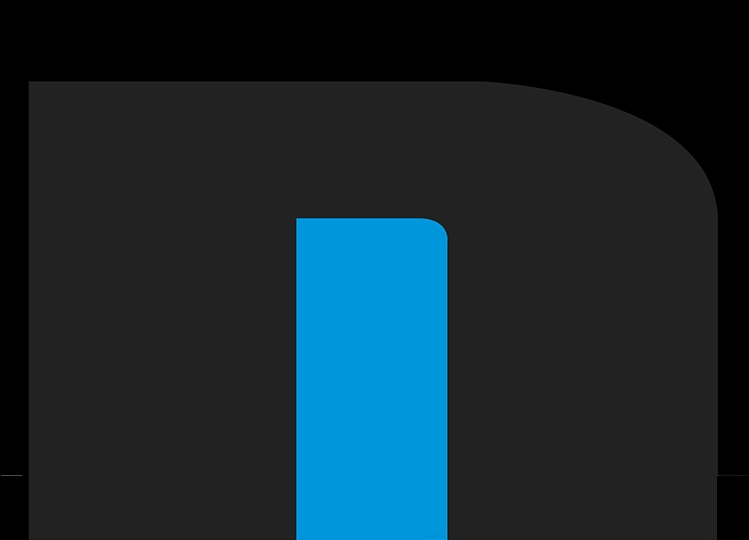
The design language is based on the curves of the wordmark to create continuity.
Emerging forms can be filled with content.
Design element use
These guidelines are an attempt to standardise the framework limitations for the design of multiple elements that interact with the appearance. Nevertheless, it cannot be ruled out that it may be useful to partially adjust or exceed these limits in order to improve the result.
Step 1 of 3
Size and position on a grid
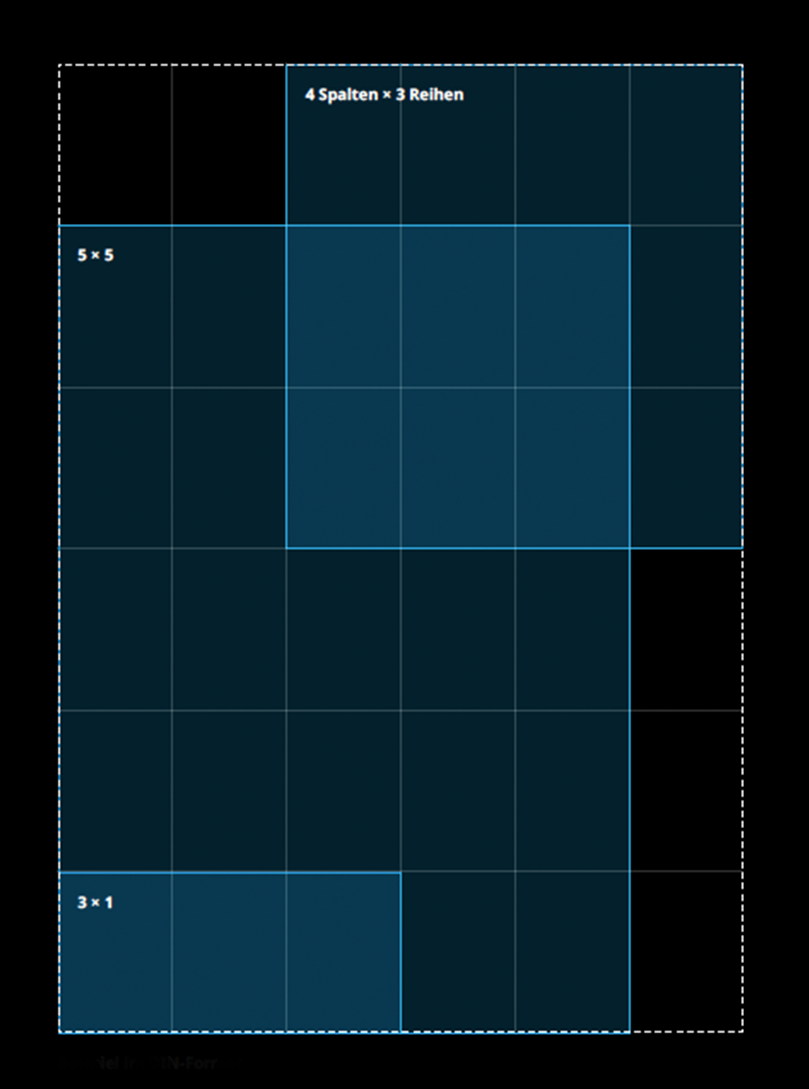
The area of the design element is created on a design grid. Here, the area can be divided into 6 columns and 6 rows, for example, to define variations of harmonious divisions.
It is advisable to position areas in a corner or on a vertical/horizontal edge in order to achieve a clear design language. There may be exceptions to this rule.
When using multiple areas, they should either overlap significantly or be spaced apart from each other.
Beispiel im DIN-Format
Please don’t do that
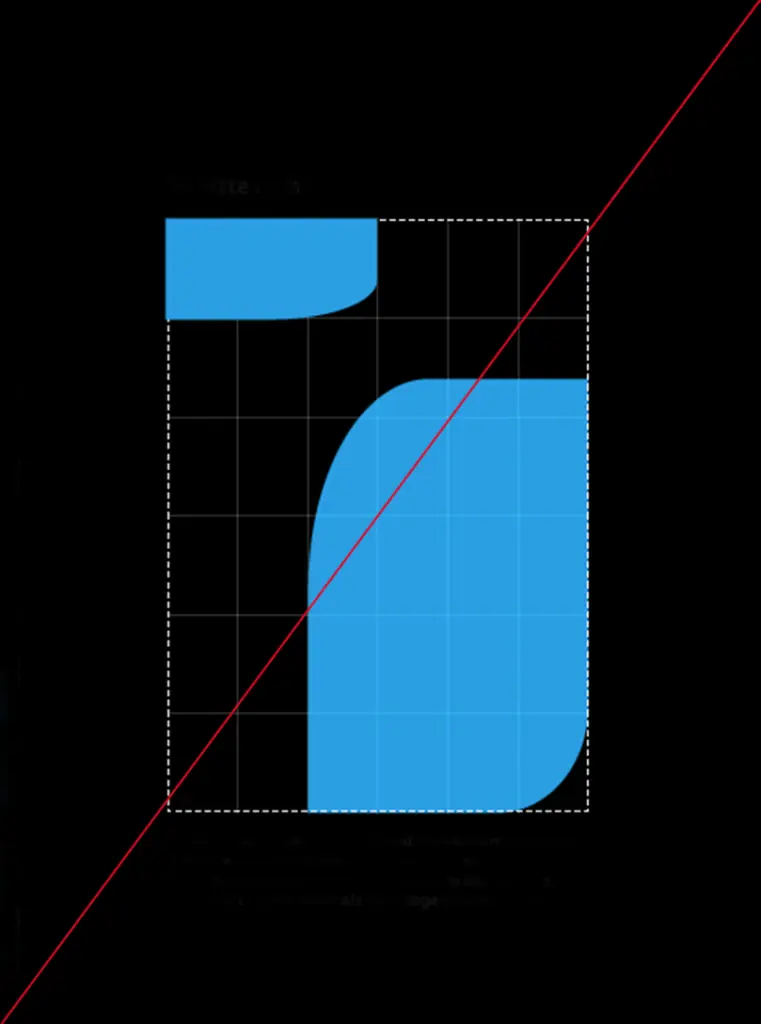
The surfaces are not aligned with the grid.
The surfaces have no reference point to a corner or edge.
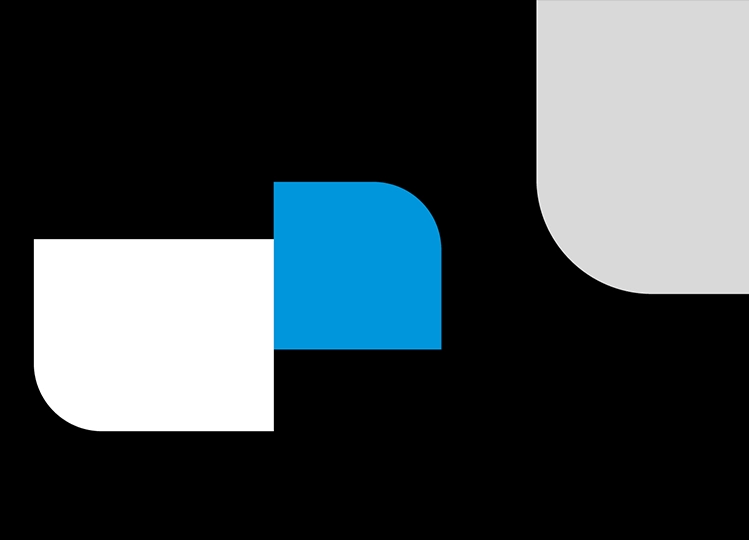
Two surfaces are placed “end to end”. They should either overlap deliberately or be spaced apart.
Step 2 of 3
Corner radius
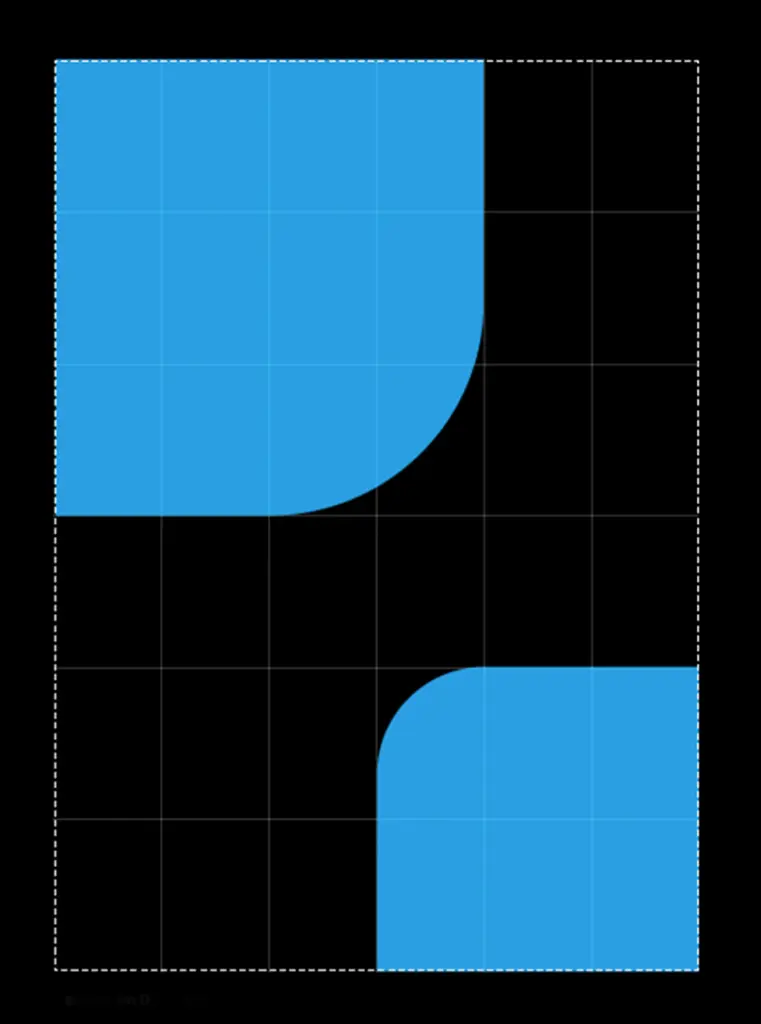
The design element has a rounded corner. Its radius is based on the column width of the grid. Here, for example, the upper surface has a corner radius of two column widths, while the lower one has a radius of one column width.
Only one corner is rounded – usually the one facing the centre of the format.
The corner radius is not scaled unevenly and thus corresponds to a quarter of a symmetrical circle.
Example in DIN format
Please don’t do that
The corner radius is scaled unevenly, so that it no longer resembles a quarter of a circle.
The radius does not match the column width of the grid.
An area has more than one rounded corner.
Step 3 of 3
Content and number of areas
A maximum of three areas should be used as design elements. Their use is also optional; it is also possible to achieve a result that complies with the guidelines using only colour and typography.
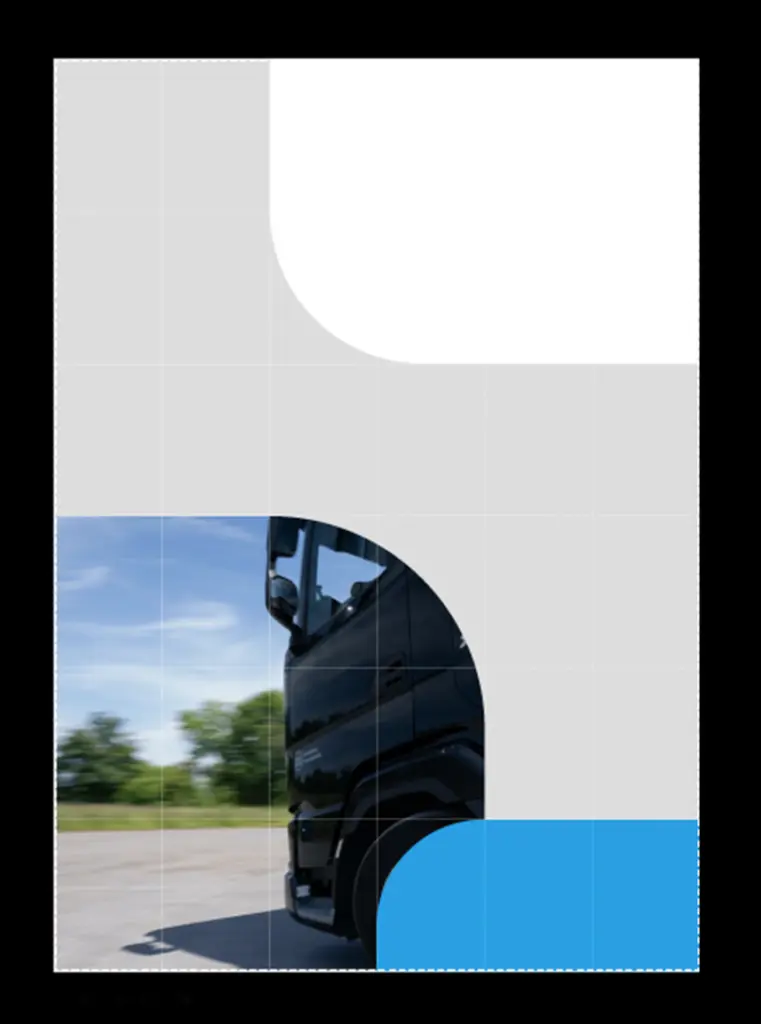
The areas can be filled with individual colours from the colour scheme, photographs and video content.
Example in DIN format
Please do not do that
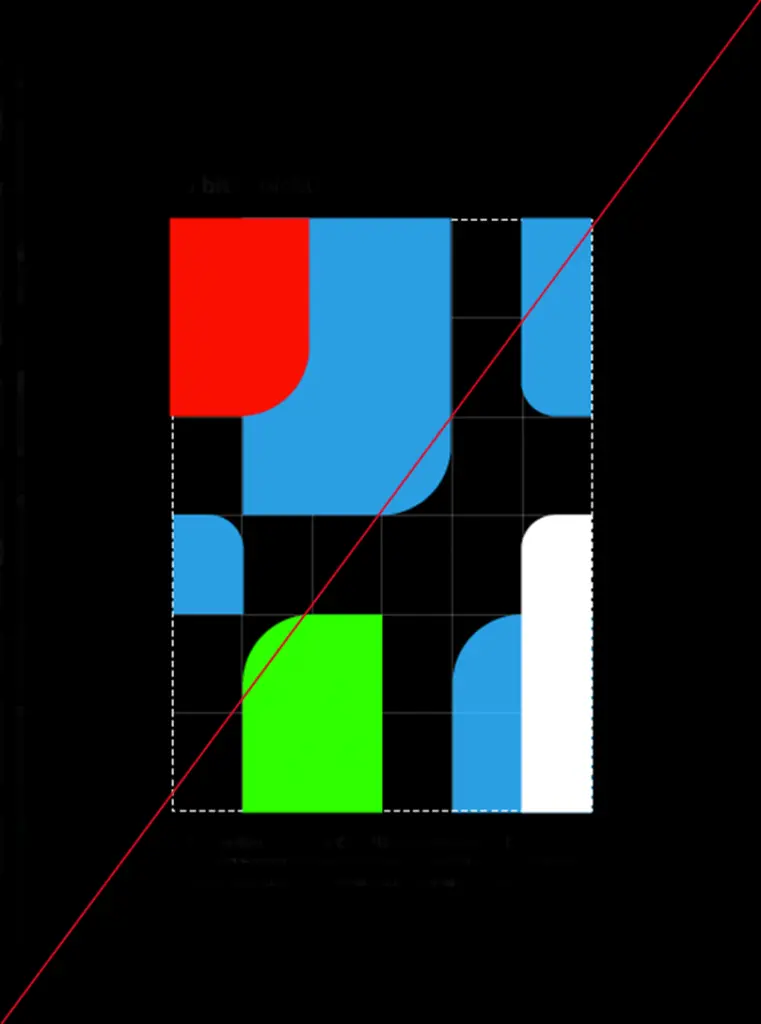
More than three areas have been used.
Colours outside the colour scheme are included.
Not all corners “point” towards the centre of the format.